
Deposit to Fb88 Using 8 Payment Methods and Verify Transactions 2026
Choose the right channel, enter the correct information, and upload a clear receipt — these three steps are the key to smooth Fb88 deposits.
Ready to start playing on Fb88 but unsure which payment channel to use for speed and security? This is a common question, especially for first-time users. Fb88 supports up to 8 deposit channels — from domestic bank transfers, fast money transfer services, to e-wallets like Zalo Pay and Mono Wallet — each suited to different situations. This guide will walk you through every step: preparation before depositing, selecting the right channel, executing the transfer, verifying the transaction, and allocating funds once money reaches your account.
What do you need to prepare before depositing?
There are two things you must confirm before making any deposit. First, you already have a valid member account at Fb88 — if not, complete the registration process at the Fb88 registration page first. Second, your account must be active and in good standing — not suspended or pending identity verification.
These two points may seem obvious, but they're the most common reasons deposit requests get rejected right away. Check quickly beforehand to avoid wasting effort and waiting for processing.
Overview of 8 payment methods on Fb88
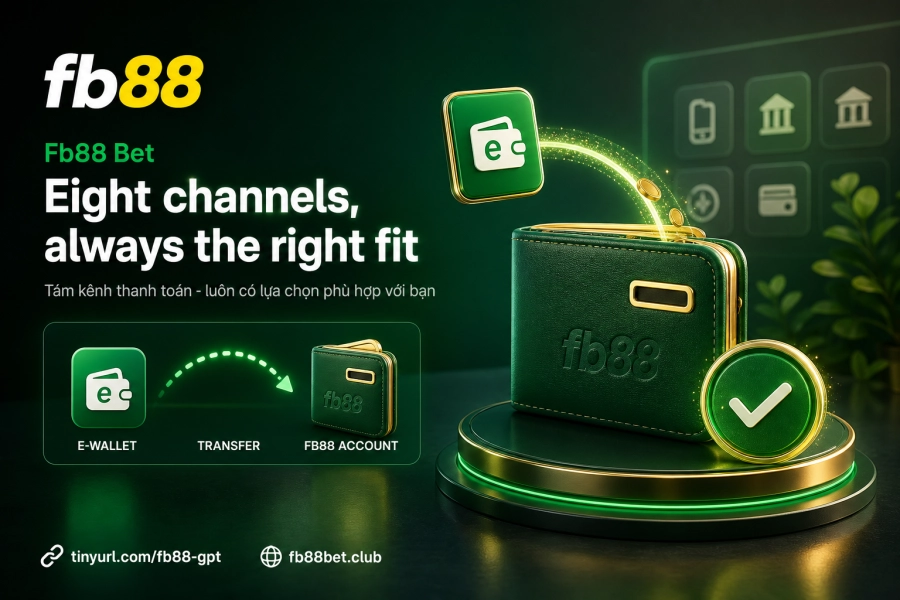
Fb88 designed a multi-channel payment system so users aren't dependent on a single method. Here's a practical breakdown by category:
Domestic bank transfer
This is the channel Fb88 prioritizes for safety and transaction verification. When using this method, you must fill in complete details: amount, sending bank, transfer method (Internet Banking, Mobile Banking, ATM, or over-the-counter), plus the account number and account holder name that Fb88 displays on screen. The most critical note: the transfer reference must be copied exactly as provided by Fb88 — even a single character error can prevent the system from recognizing your transaction.
Fast transfer 1, 2, 3
These three fast transfer channels process more smoothly than traditional banking. Ideal when you need to deposit urgently without multiple verification steps. Response speed is typically faster during off-peak hours.
Zalo Pay and Mono Wallet
These two e-wallets are the most practical choice for mobile-first users. No bank card needed — just a wallet account linked to your phone number. If you use the Fb88 mobile app, depositing via e-wallet flows quite smoothly — see instructions at the Fb88 app download page.
Online payment gateway and agent card codes
The online payment gateway works well if you're already familiar with this method. Agent card codes are designed for users in areas with limited bank or ATM access — transactions are processed through Fb88's authorized agent network.
5 steps to deposit on Fb88
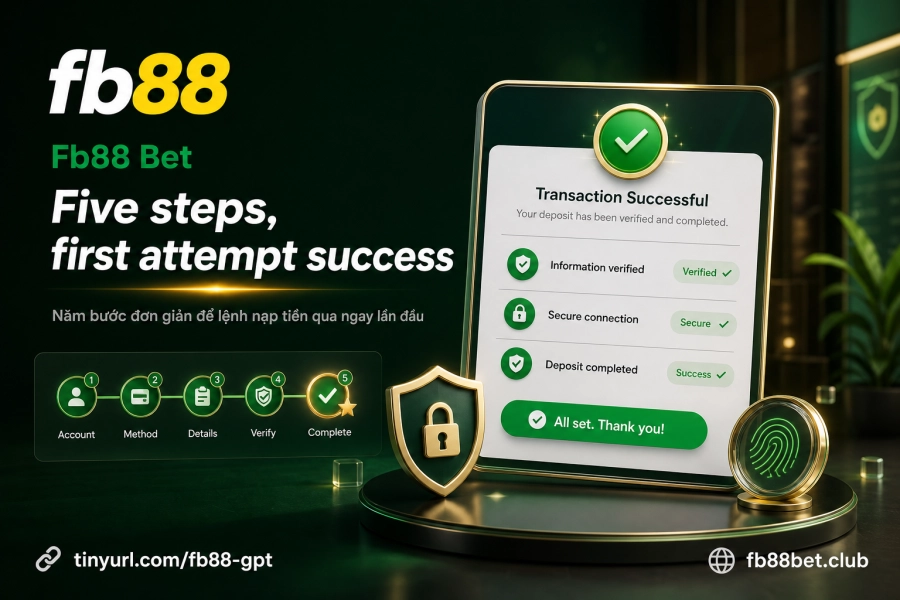
Regardless of which channel you choose, the main workflow follows this sequence:
- Log in to your account — if you encounter issues at this step, check the Fb88 login guide to troubleshoot before continuing.
- Go to "Deposit" in the account menu — this is where all active deposit channels are located.
- Select the payment channel that fits your current situation based on the categories analyzed above.
- Enter details and execute the transfer — for bank transfers, copy the account number, account holder name, and transfer reference exactly as displayed by Fb88; don't add any other information.
- Upload the transaction receipt to the confirmation page — take a screenshot of the confirmation from your bank or e-wallet and upload it to complete your deposit request.
Once the transaction is approved, the amount will be added to your main account balance on Fb88.
Proper transaction receipts — why does it matter?
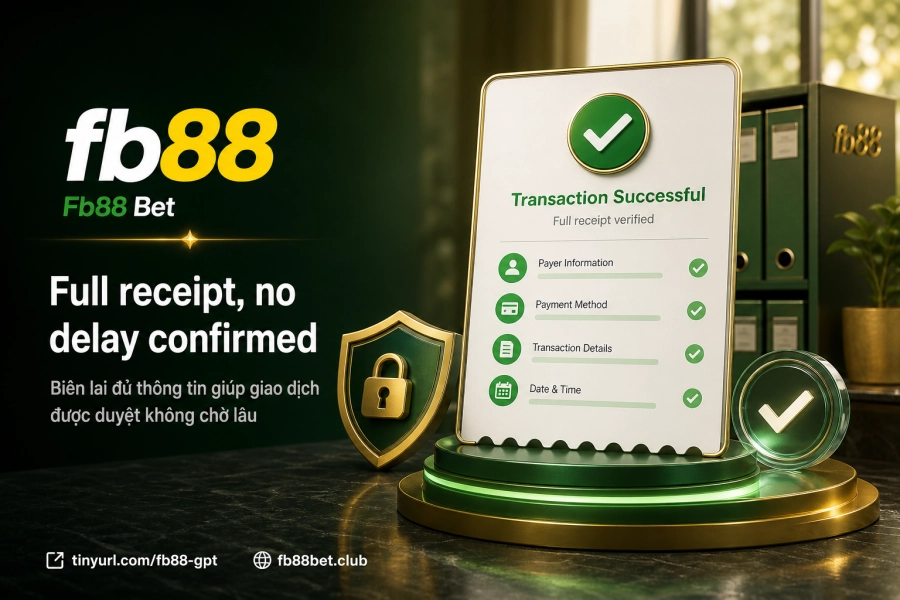
Uploading a receipt isn't just a formality. It's the only reconciliation document Fb88's processing team relies on when the system can't automatically match your transfer — usually when the transfer reference is wrong or the amount doesn't match exactly.
The receipt must clearly show four pieces of information: amount, transaction time, reference code, and beneficiary account name. Blurry photos, cropped corners, or partial screenshots will slow down the entire verification process. If money hasn't arrived after a reasonable wait, proactively contact support and attach the receipt — reconciliation will be prioritized faster.
Allocate funds to game lobbies after depositing
Money in your main account doesn't mean you're ready to play immediately. Fb88 operates with separate account balances for each lobby — casino, sports, slot games, etc. — so you need to transfer funds from your main account to the lobby you want to play in. This action is found in "Transfer Funds" or "Internal Transfer" right on your account dashboard.
Fb88 doesn't limit the number of transfers, including transfers back — you can move funds from a game lobby back to your main account anytime. Just select the lobby and enter the amount you want to allocate; you don't need to repeat the deposit process. If you want to withdraw later, check the Fb88 withdrawal guide first to understand wagering requirements and applicable limits.