
Download Fb88 App on Android and iOS Official Link Permissions and Error Fixes 2026
Understand each installation step, grant permissions correctly — Fb88 app runs smoothly on both Android and iOS without wasting time troubleshooting.
The Fb88 app solves the exact pain points that mobile browsers struggle with: login sessions that don't persist across tab switches, domain blocks mid-session, delayed or missing odds notifications. If you need to install using the correct procedure — from getting the official link, granting permissions on Android, verifying the developer on iOS, to handling common errors — this guide walks you through each step.
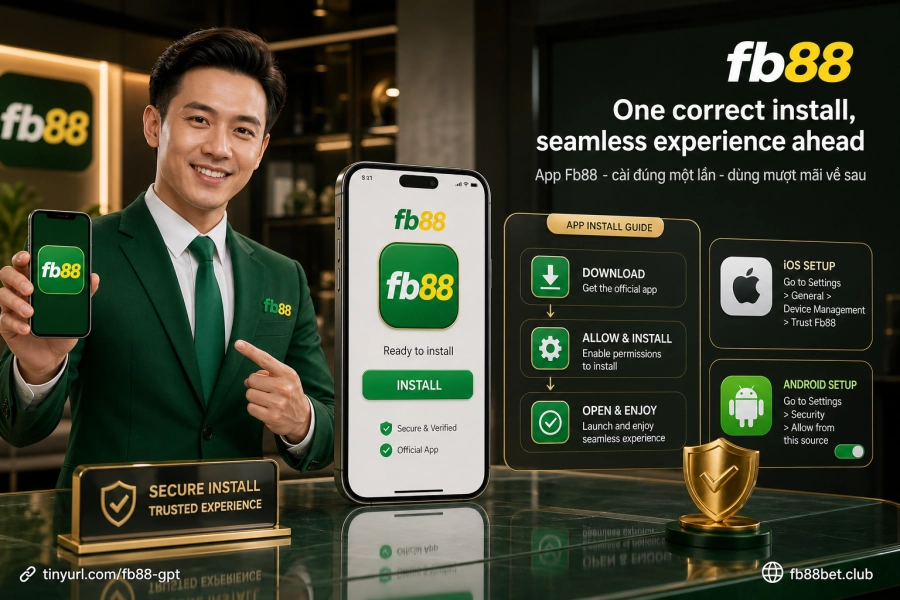
Why is the Fb88 app better than mobile browser for daily use?
If you test both under the same network conditions, the clearest difference lies in login session stability. Browsers store cookies and can clear sessions anytime when you close a tab or switch network signals. The app maintains your session continuously until you manually log out.
The second point matters more for sports bettors: push notifications from the app arrive instantly when odds shift or scores change — no need to open a new page to check. Browsers lack this capability because notification permissions on mobile browsers are far more restricted than on native apps.
Additionally, the app connects through Fb88's own infrastructure, so it's unaffected when domains are temporarily blocked — something browser users frequently encounter and must manually find backup links for.
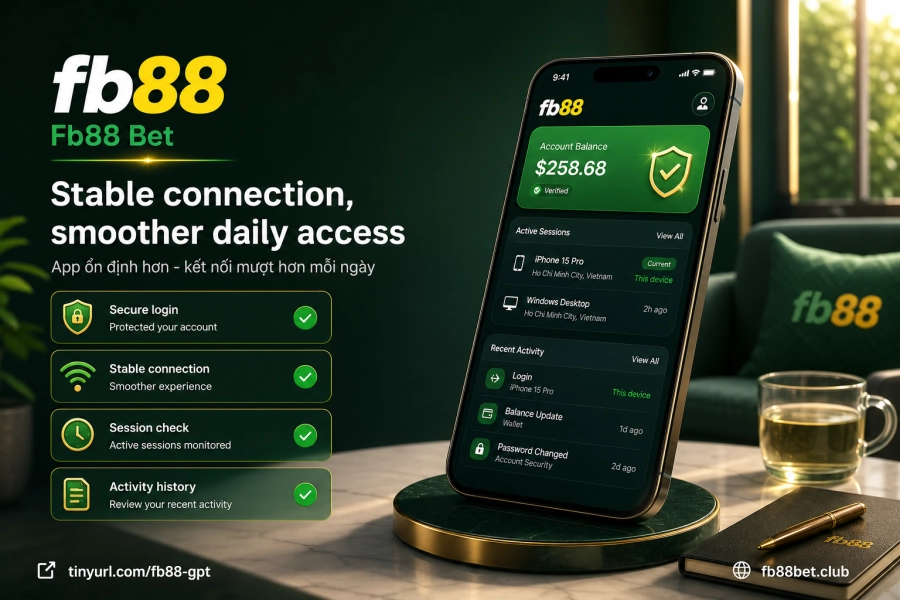
How to download and install the Fb88 app on Android
Android doesn't allow app installation from sources outside the Play Store by default. The most critical step is enabling this permission in the right place before downloading the APK file — skipping this step is the most common reason installation fails.
- Open your browser on your phone, go to the Fb88 site and find the Android app download section to get the APK file.
- Go to Settings → Apps, select the browser you're using to download, enable Install apps from unknown sources for that app only — don't enable it system-wide.
- Return to your browser and tap to download the APK. Once downloaded, tap the file to begin installation.
- Confirm when the system prompts and wait for installation to complete.
- Go back to app permissions and disable the unknown source installation permission for that browser to maintain security.
Important note: only get the APK file from the official Fb88 site, never download from any third-party source. Files from unknown sources risk being modified and lack security verification.
How to install the Fb88 app on iPhone and iPad
On iOS, the App Store doesn't distribute betting apps, so Fb88 uses configuration profile installation. Key point to remember: the entire process must be done in Safari — Chrome, Firefox, or other browsers on iOS don't support this profile installation method.
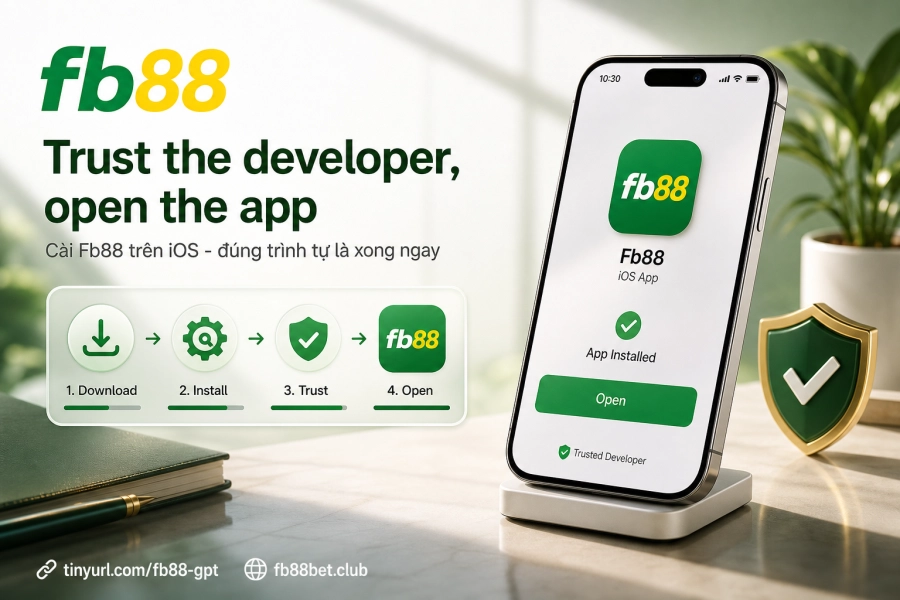
After opening Safari and visiting the Fb88 site, select the iOS app download link. Safari will ask to confirm the profile installation — tap Allow and wait for the process to complete. The app will appear on your home screen but won't run yet.
The next step is verifying the developer: go to Settings → General → VPN and Device Management, find the Fb88 app developer name, tap Trust and confirm. Only after this step will the app open normally. If you skip it, iOS will show an error message every time you try to open the app.
Common installation errors and quick fixes
Most errors when installing the Fb88 app have specific causes and quick solutions — no need to uninstall or start over:
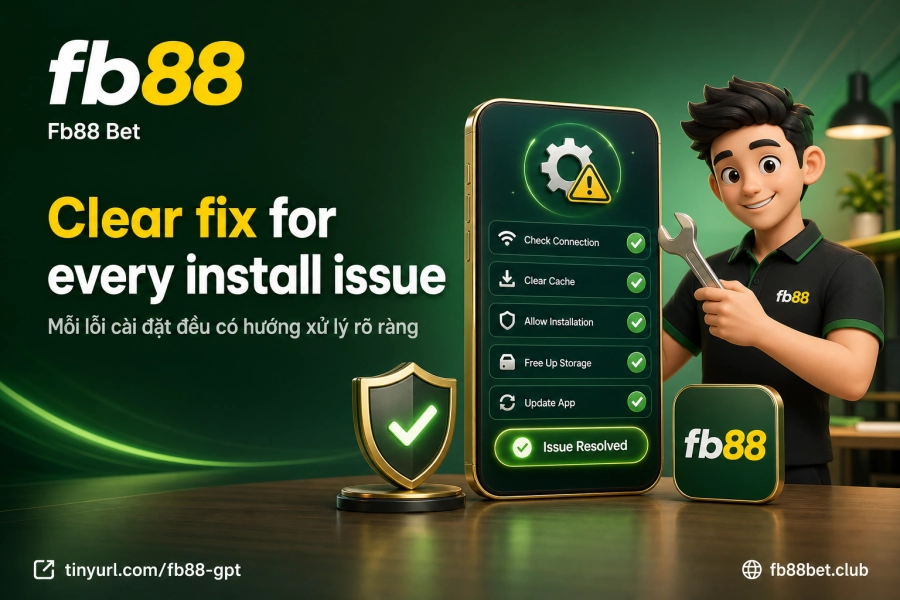
- Android says you're not allowed to install from this source: Check that you've granted the permission correctly to the browser you're using to download — on Android 8.0 and above, this permission must be granted individually to each app, not enabled once for the entire device.
- iOS shows the developer is not trusted: This is a mandatory verification step after installation. Go to Settings → General → VPN and Device Management, tap Trust. No need to uninstall the app.
- APK downloaded but won't open: Usually caused by a corrupted file due to connection loss. Delete the file and download again from the Fb88 site.
- App installs on iOS but becomes disabled after a few days: Apple periodically revokes developer certificates for apps distributed outside the App Store. When this happens, uninstall the old app and visit the Fb88 site again to download the updated version.
- Installed but can't log in: Try turning wifi off and on, or switch to a different network. If still unable to access, clear the app cache and try again. Contact support directly if the error persists.
Essential steps to take once the app is running
Getting the app to run smoothly is the starting point — but there are a few things worth setting up right away rather than later. First, enable push notifications: the app will ask for this permission on first launch, confirm it to receive real-time odds updates and match results.
Next, verify your login and balance. Fb88 has been operating since 2016 with a PAGCOR Philippines license; login sessions on the app are encrypted with 128-bit SSL — the same security standard as the web version. If you don't have an account yet, create one directly in the app following the Fb88 registration process.
After logging in, if you want to deposit immediately, the app supports all domestic payment channels. Check the limits and details for each method on the Fb88 deposit page to prepare before your first transaction.